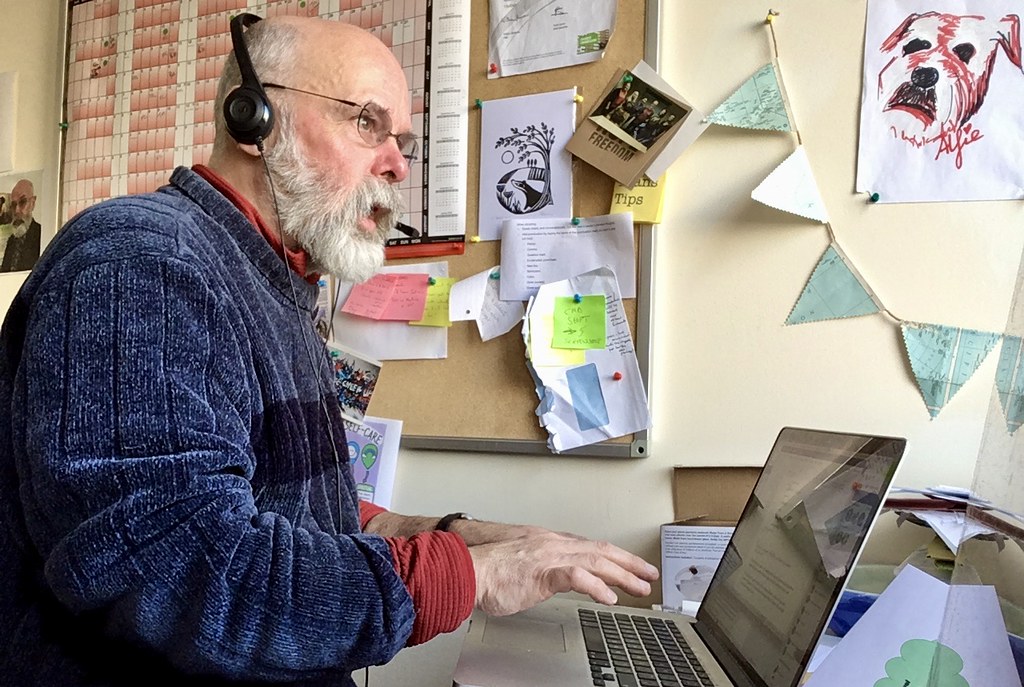
-
About Automatic Speech Recognition
ASR has improved dramatically over recent years
-
Accuracy
There are various models for measuring the accuracy of automatic transcription.
-
Privacy and Security
All processing of data in the cloud contains some risk.
-
Getting Started with Microsoft Word Dictate
Take audio from the computer's microphone and convert it into text.
-
Getting started with Mac Dictate
The MAC's inbuilt MAC Dictation tool can be a useful tool.
-
Getting started with Dragon Dictation
Dragon Dictate can assist people who are full of ideas, but have difficulty writing them down.
-
Microsoft Azure Speech to Text
Transcribe live and pre-recorded audio to text in more than 85 languages.
-
Getting Started with Microsoft Stream
If you upload a video, Stream will use AI to automatically generate captions.
-
Getting Started with Lecture Capture
Lecture Capture and Kaltura provide an automatic transcription service.
-
Getting Started with YouTube
You-tube allows you to edit auto-captions and then download them.
-
Live Captions in Microsoft Teams
Instructions on how to enable Live Captions in Microsoft Teams Meetings.
-
Live Transcription in Zoom
The meeting host is the only person who can enable live transcription.
-
Converting Caption Files
Sometimes you want to convert timed text files, such as SRT or VTT, into another format.
-
Getting Started with Interview Transcripts
There are several ways in which interviews can be converted to text transcripts using automatic speech recognition.
Need web help?
All websites and applications which form part of the University web presence are expected to be compliant with the W3C's Web Accessibility Guidelines (WCAG) 2.2 AA guidelines.
Get web accessibility help