Blind Student's Guide for Academics
Ten tips that can be Helpful to Blind Students in a University Environment
- If writing on a whiteboard, read out as much of what you are writing as feasible and practical. For example, if you are writing up an important website or due date on the whiteboard; don't forget to read it out.
- If you are going to be watching a video or DVD in class, blind students will often appreciate advanced notice if possible so they can arrange to have someone describe the video to them or try and obtain an audio-described copy if available. This does not mean that the blind student can't participate in the class as every other student would.
- If you are preparing a handout prior to a class, make sure you email a copy to the blind student! There is nothing more frustrating than turning up to a class and not being able to participate because you do not have access to the worksheet.
- Having lectures recorded and available for download online can be very helpful for blind students, particularly if they miss anything during the lecture as they can simply re-listen to it at home. Note-taking can be slower for a blind person because they are simultaneously trying to process listening to their screen-reader and the lecturer.
- If you are using PowerPoint slides, it is often helpful if they are available for download or if they can be emailed to the blind student upon the student's request. This way, they are able to have the same access to the information that is on the PowerPoint but that was not verbalized in the class or lecture.
- Many blind students may send their lecturing and tutoring staff a Disability Impact Statement. This is intended to assist staff by outlining the individual's impairment and any modifications they may need. Students really appreciate it when staff read their statement and would much rather staff approach them if they have any questions or if they are unsure about anything rather than avoiding the student out of awkwardness or uncertainty.
- If a blind student has submitted you an assignment electronically (I.E via email) in most cases they will request that any feedback is given to them in the same format. Students find it extremely frustrating when they are handed back a printed page with feedback and comments that they are unable to read whilst they watch everyone else read their own grades! If possible, email the student their assignment feedback just before the class when you will hand the assignments back to the rest of the students. If this is not possible, email it to them after the class or at your earliest convenience.
- It is not always necessary for a blind student to sit up the front of the class. Whilst this can be sometimes useful, other times it may have the opposite affect in alienating a student from the rest of his/her peers. If unsure, ask the blind student if they have any preferred place to sit. In some cases, for example, a preferred place may be close to a power point so that the student can plug in any required equipment. For other students however, seating is not an issue and they will simply prefer just to sit with their friends.
- Sometimes technological equipment used by a blind student can appear complex and foreign as some of it is quite unique. If you have any questions about a blind student's equipment, just ask. Most students will appreciate it greatly when a staff member demonstrates understanding or a desire to understand more about their technology and what works or doesn't work for them.
- Many blind people use scanning solutions or other adaptive technology to assist with their work. Students appreciate it when staff talk to them about what works with these or not as it can often seem illogical. Example, scanners don't like hand written material and screen readers may not like PDF files as many of these have been compiled from pictures of the text rather than the text itself.
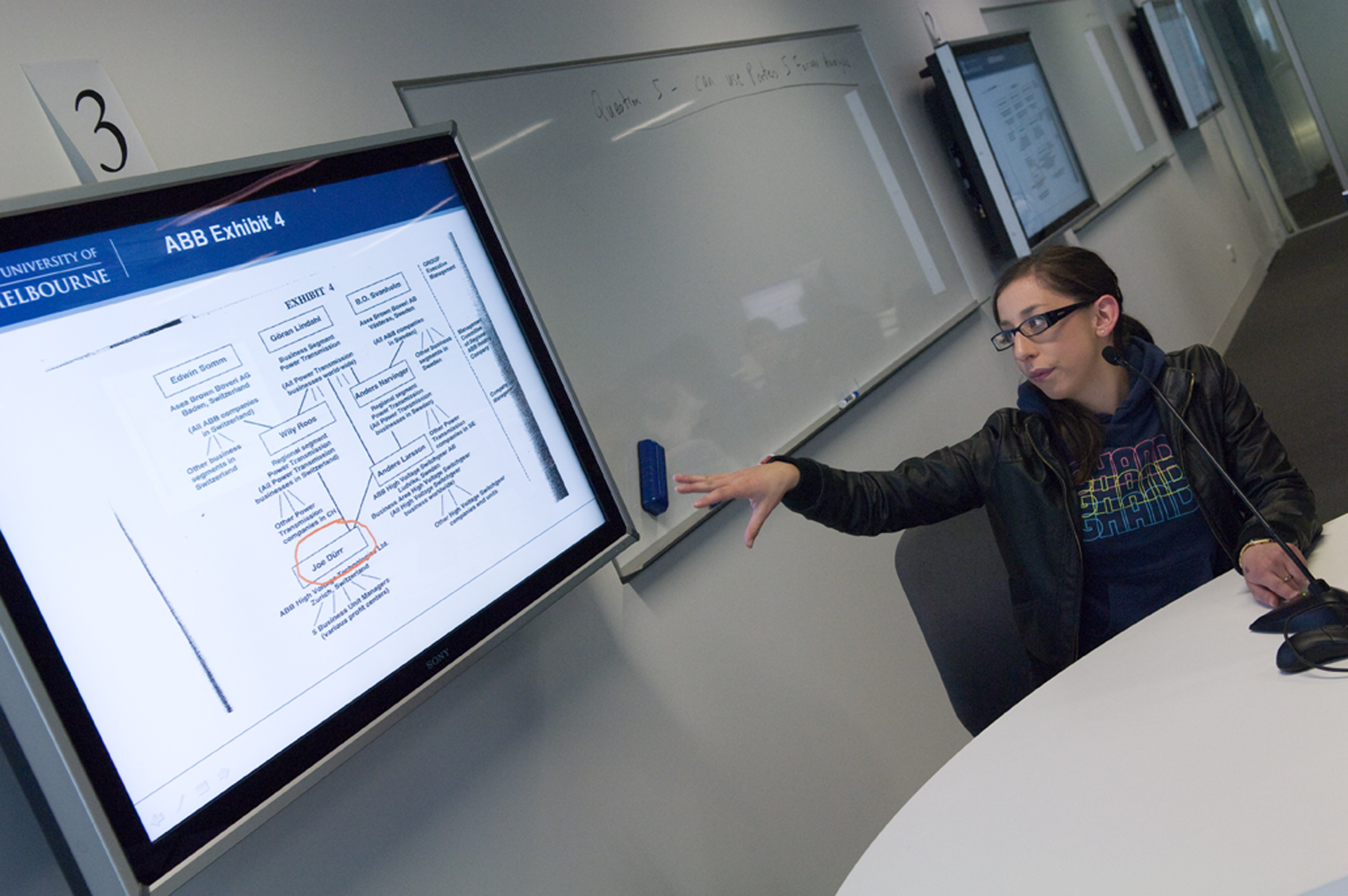
We are approachable! If you have any questions or are wondering how to best help a blind student, just ask!
A Few More Things Blind Students want Teaching Staff to Know
- We are approachable! If you have any questions or are wondering how to best help a blind student, just ask! Ask them to stay back for a quick chat after class or send them an email, they will really appreciate this, rather than talking to staff or other students on the blind student’s behalf!
- Don’t discuss the student’s needs in front of the class, students will find this humiliating.
- If a student elects to have a note-taker or a support-worker in class, the student will discuss with the support worker what assistance they need. The support worker is not a care-giver or a gopher between the teaching staff and the student so don’t direct questions about the student to the support worker, talk directly to the student!
- All students will have different needs and preferences so don’t assume that two students will have the same requirements.
- Always speak directly to the blind student if you have a question concerning them or their needs, don’t speak indirectly or about them through the person they may be sitting with. This is very frustrating as blind students are more than capable of answering for themselves!
Ask a blind person what they can do before you assume that they can't do something.
Ten Need to Know Facts about Blind Students
- There are several varying degrees of vision loss and blindness that can be the result of varying eye-conditions and circumstances. For example, some blind or vision impaired people may see some colours better than others, but these colours are not always the same. Example, yellow may be a colour that stands out for some, but not for others.
- Not all blind and vision impaired people use a cane or a guide dog. Just because someone does not use a cane or a dog does not mean that they are not vision impaired.
- Some people may have been blind since birth, whilst others may have experienced vision loss at some stage during their life.
- Many blind people will tell you that simply being blind does not mean that their other senses are automatically amplified. For example, sometimes people assume that a blind person will have supersonic hearing to make up for their blindness when in reality a blind person’s sense of hearing may just be more refined because it is used more often than the average sighted person may use their hearing.
- Don’t ever try and avoid using words such as “look”, “see”, or “watch” in front of blind people or phrases like, “Sorry, I know you can’t really have watched it, but did you hear that program on TV last night?” Blind people use these words all the time so don’t think you’ll offend them by using these normal words!
- Blind people can and do go to the movies!
- Ask a blind person what they can do before you assume that they can't do something. For example, most blind people (unless they have an additional physical disability) are perfectly able to use stairs and do so every day!
- Not all blind people are slow walkers!
- If a blind person is using a cane it is a tool to help them get around. Try not to touch the cane or use it to guide the blind person or show them where things are with it. Describe where it is and let them find it, or direct them to it without holding the cane.
- Some blind students may prefer to be guided, while others may not. If unsure, ask the student if they wish to be guided, don't just grab their arm.
About this Guide
This Guide has been written by University of Melbourne students.
It is intended to provide academics with a student perspective on how their condition affects their studies at the University.
Need web help?
All websites and applications which form part of the University web presence are expected to be compliant with the W3C's Web Accessibility Guidelines (WCAG) 2.2 AA guidelines.
Get web accessibility help