Uploading Captions to YouTube
Adding Captions to YouTube videos
- Upload your video to your YouTube

- Click on 'Video Manager'
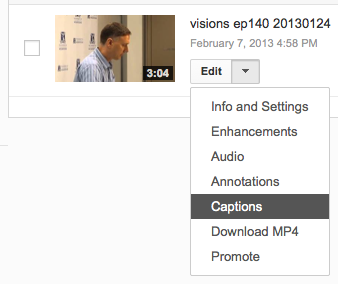
- Next to your video click on 'Edit' and then select 'Captions'
- Click on 'Upload caption file or transcript'

- Locate and select the SRT file that you created using MovieCaptioner
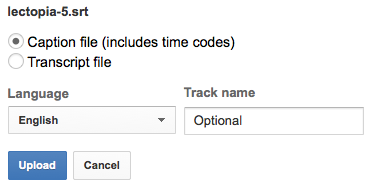
- Click 'Upload'
- That's it, you are done! You can now play your video to check your captions.
Note: make sure that the caption button is turned on.

Need web help?
All websites and applications which form part of the University web presence are expected to be compliant with the W3C's Web Accessibility Guidelines (WCAG) 2.2 AA guidelines.
Get web accessibility help