Turn your script into an engaging video in 30 minutes. Just show up to our studio and we'll handle the rest.
The benefits of booking a Single Speaker Video session
- A great option for one presenter with a short, clear message.
- Deliver impactful content in 30 mins without taking up your whole day.
- Skip the technical hassles – our expert crew handles the equipment and setup, letting you focus on your message.
- Choose session options that fit your schedule.
- Present anything from course intros, welcome videos to weekly content and student announcements, all in our professional studio environment.
- It's free for University staff.
How it works
-
- First, write a 2-5 minute script as an MS Word document. Please remember, these sessions are for one presenter only, so make sure your script reflects this.
- Not sure how to write a script? Click here for some useful tips.
- If you’d like to add 3-5 images or slides, please make sure to use the comment function in Word and highlight the relevant text for each image.
- Please note: we support the inclusion of still images in the final edit only. The inclusion of additional video (for example, overlay, b-roll, YouTube clips) is not supported.
- Already got a script ready to go? Great - go to the next step!
-
- The offering is currently available on Wednesday mornings. Use our automated booking form to select your date and other details.
- University teams can book up to 5 free sessions each semester, but please note you can only book one session per day.
- Once you have booked, please email your script to video-media@unimelb.edu.au
-
Choose a look: We will ask you to choose a look from seven different colours: Blue, Mint, Yellow, Pink, Peach, Purple and Grey.
Send your script: We will set up your script on our teleprompter for word-perfect content delivery.
What to Wear: Solid colours look great on video. Check out this page for advice on what to wear and don’t be afraid to bring a couple of colourful options.
Deliver: Show up at our studio and deliver your content!
-
You will receive one 16 x 9 .mp4 file of your video soon after your session. All videos will include standard University of Melbourne branding.
There will be no revisions for you to edit.
Here are some further considerations when moving forward with your video:
- Need some advice about editing, hosting and distributing? Check out our online DIY Video Guide for tips on using University-approved editing software OpenShot .
- We also run free online editing workshops each semester. Check the DIY Training schedule on our website.
- We recommend that you include captions with your video to comply with the University's accessibility standards. Read this guide on how to edit your captions using OneDrive.
If you require any extra add-ons such as custom branding, multiple aspect ratios, or custom studio backgrounds, please refer to our paid studio offering, Studio Presentations.
What our clients have told us
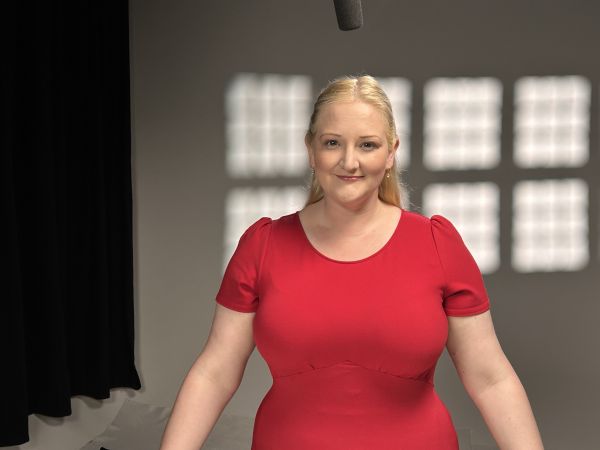
Catherine from Engineering
“Working with the VM team was an unexpected highlight of my year! The whole process went smoothly, and I was fully supported along the way. Plus, the final video is so swish!”
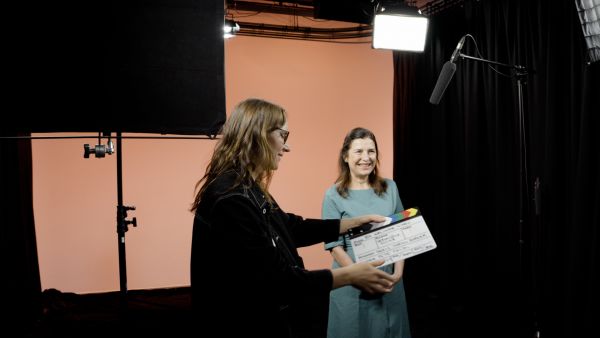
Veronique from Arts
"The atmosphere on set was incredibly supportive and encouraging, which made it easy for me to feel confident in front of the camera. The entire session was managed quickly and efficiently, ensuring that we achieved our goals without any delays and still delivered a polished and impactful video."
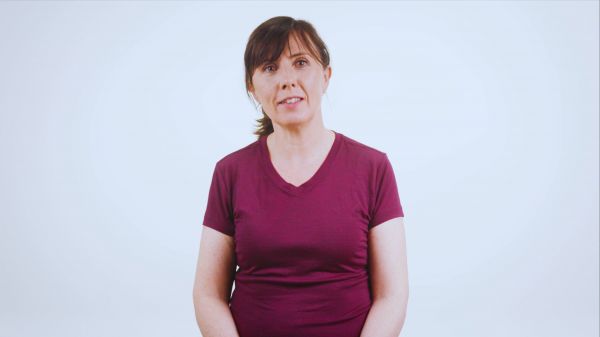
Sophie from Physiotherapy
“The best part of the experience for me was feedback from the Video and Media team related to the pace of what we were recording and how to make small changes. I found their advice a really useful and a great learning curve for presentation skills.”
Going bigger?
If you have more than one speaker, our low-cost Studio Presentation package accommodates up to 4 speakers with more production support and editing options to get the professional result you need.