Downloadable LMS page templates
Templates available for you to directly add into your Canvas LMS subject. Use these as a quick way to get started building your subject.
Create and edit a duplicate of the template page. All changes made on the original LMS template page will be lost when reimporting the template again.
Looking for inspiration? Or a quick way to build out your LMS subject? Then import a template into your LMS subject. Visit Open Classrooms to see examples of these templates in an LMS subject.
What is an LMS template?
A Canvas LMS template is a page or series of pages that utilise and showcase a combination of commonly used content structures, and demonstrate the preferred usage of University of Melbourne layout and theme specific elements. They are a great starting point on which to begin building out your subject.
You may find that using a template is more efficient as you don’t need to start with a blank page. You may also find the pre-determined structure of a template will help with overall consistency.
They are similar to templates you will find in Word, where you have structured content to work with. Keep the structure, but replace the content.
All LMS page templates
Our list of page templates helps to serve as a starting point when building out or modifying your LMS pages. Staff will need to enter their University of Melbourne credentials to view and download the templates. Some templates will require some knowledge of HTML code to customise and this is noted in the template title. Please be aware that all templates will require a basic knowledge of the Canvas text editor to update and customise. Find more help on using Canvas LMS.
For all template pages, duplicate the template and make all edits on the duplicated version of the page.
| Screenshot | Title | Description | |
|---|---|---|---|
| Home page | |||

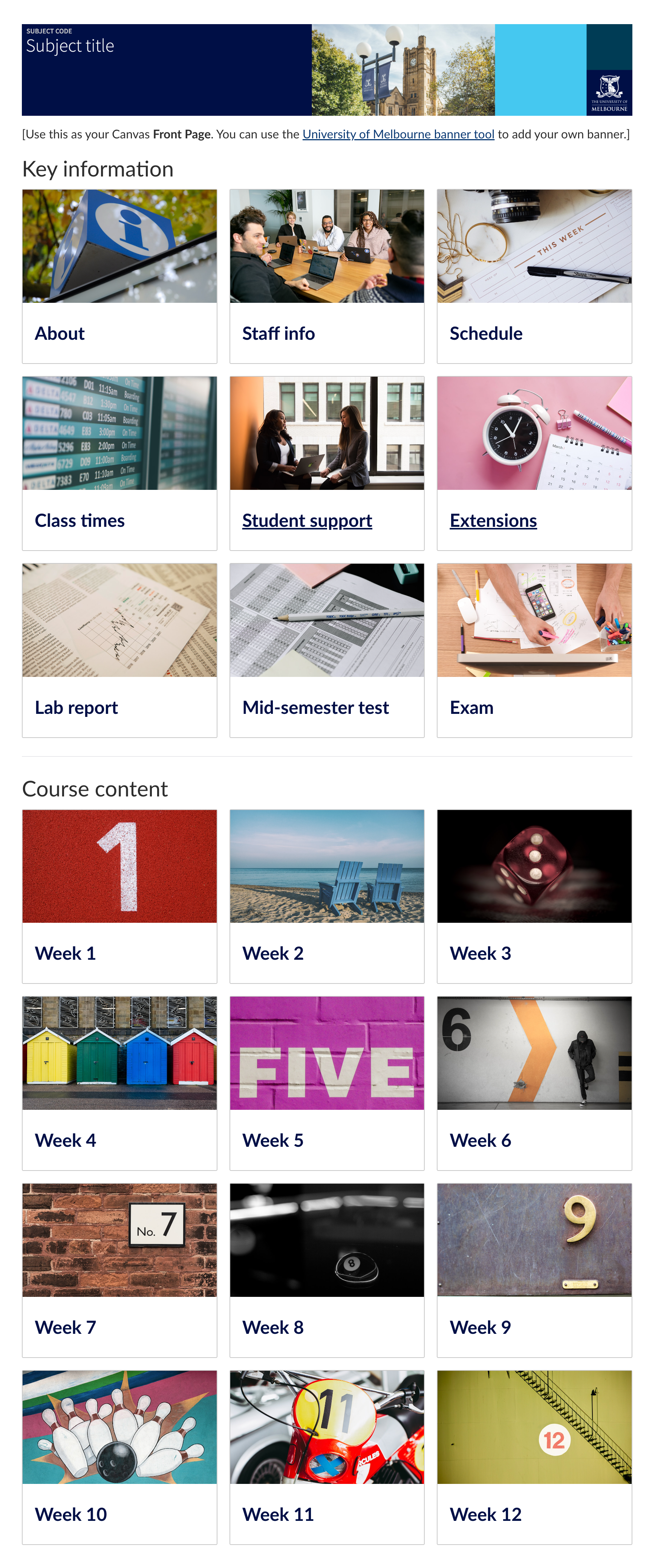
| Module links home page template (HTML required) Staff login required | This home page presents links to each module in a visually appealing way through tiles that include placeholder images and a space for brief description of each module. | |

| Quick links home page template (HTML required) Staff login required | This ready to use home page presents links to in a visually appealing way through tiles that include links to a module page, student support and other key information. | |

| Basic home page template Staff login required | A simple home page that requires no HTML skill to update. | |
 | Themed home page template (HTML required) Staff login required | This home page template presents links to each module, which are grouped together by themes. They are also presented as tiles, where you can insert a decorative image and text into each. | |
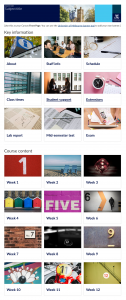 | Themed home page template - alt (HTML required) Staff login required | This template is similar to the themed home page template, but uses less decorative images. It may be useful for intensive subjects. | |
| Staff information | |||
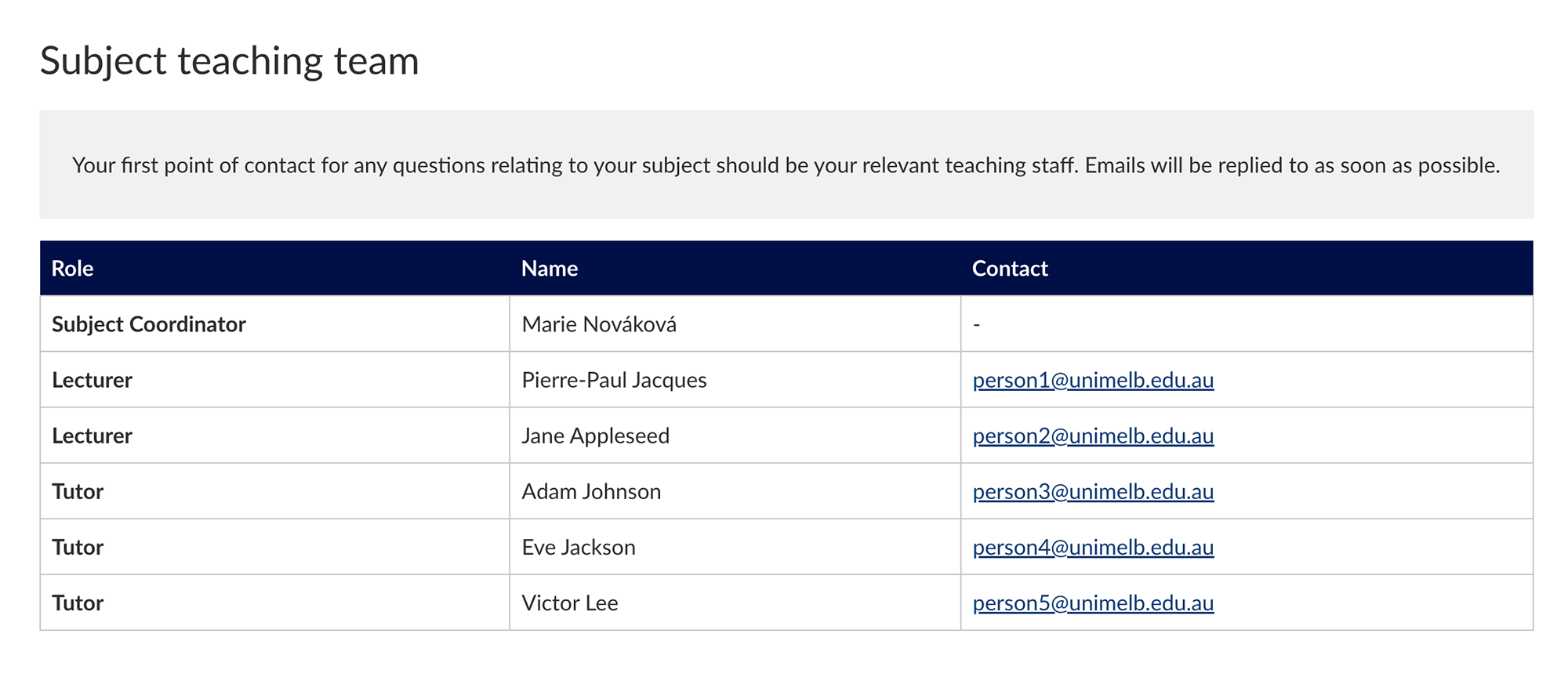
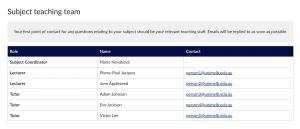 | Staff information template Staff login required | This simple staff information page neatly lists all teaching staff alongside their position and contact details. | |
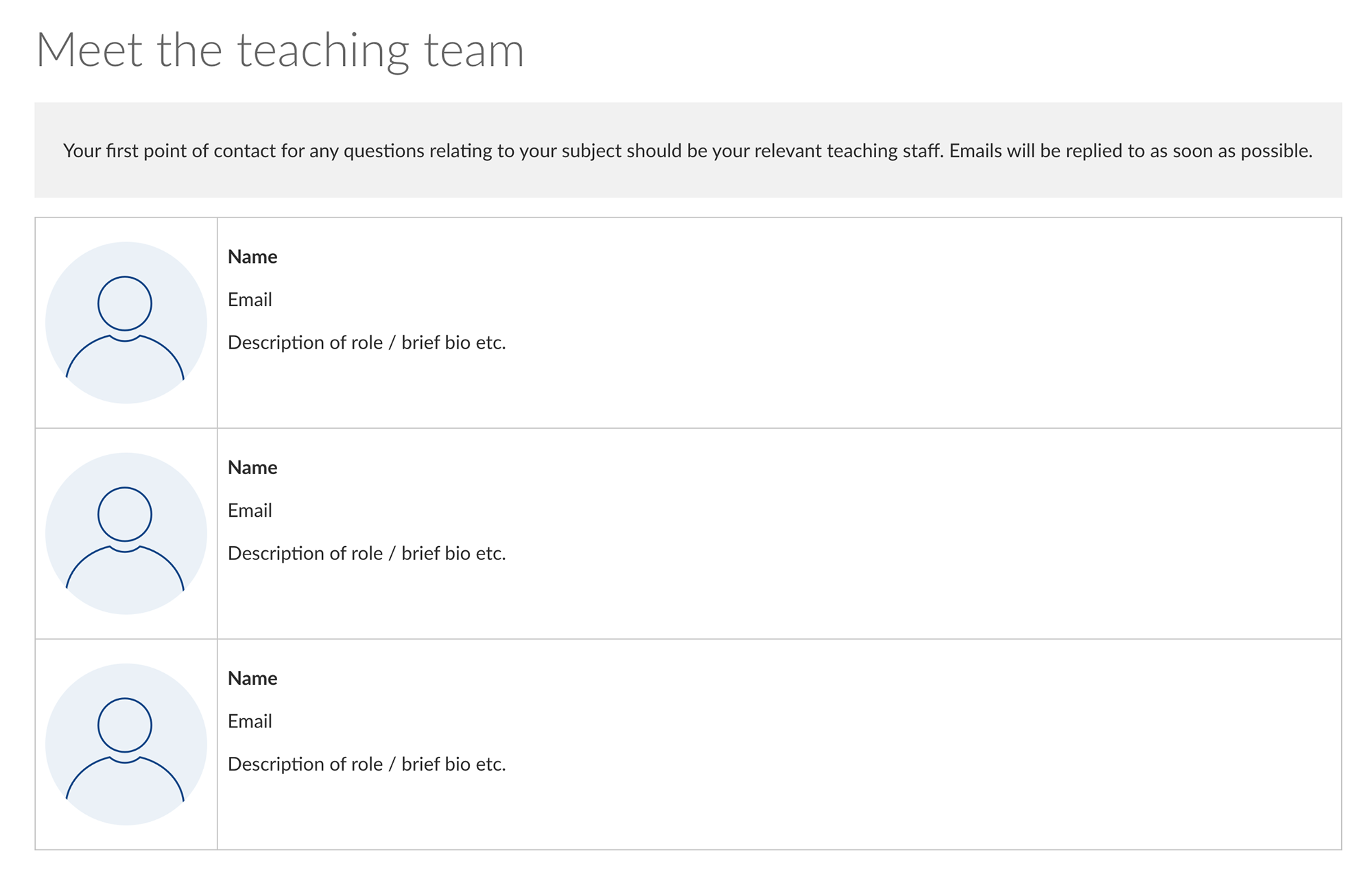
| Meet the teaching team page template (HTML required) Staff login required | This staff information page lists all teaching staff and provides space for a thumbnail image of each staff member and a short bio. | |
| Student support | |||
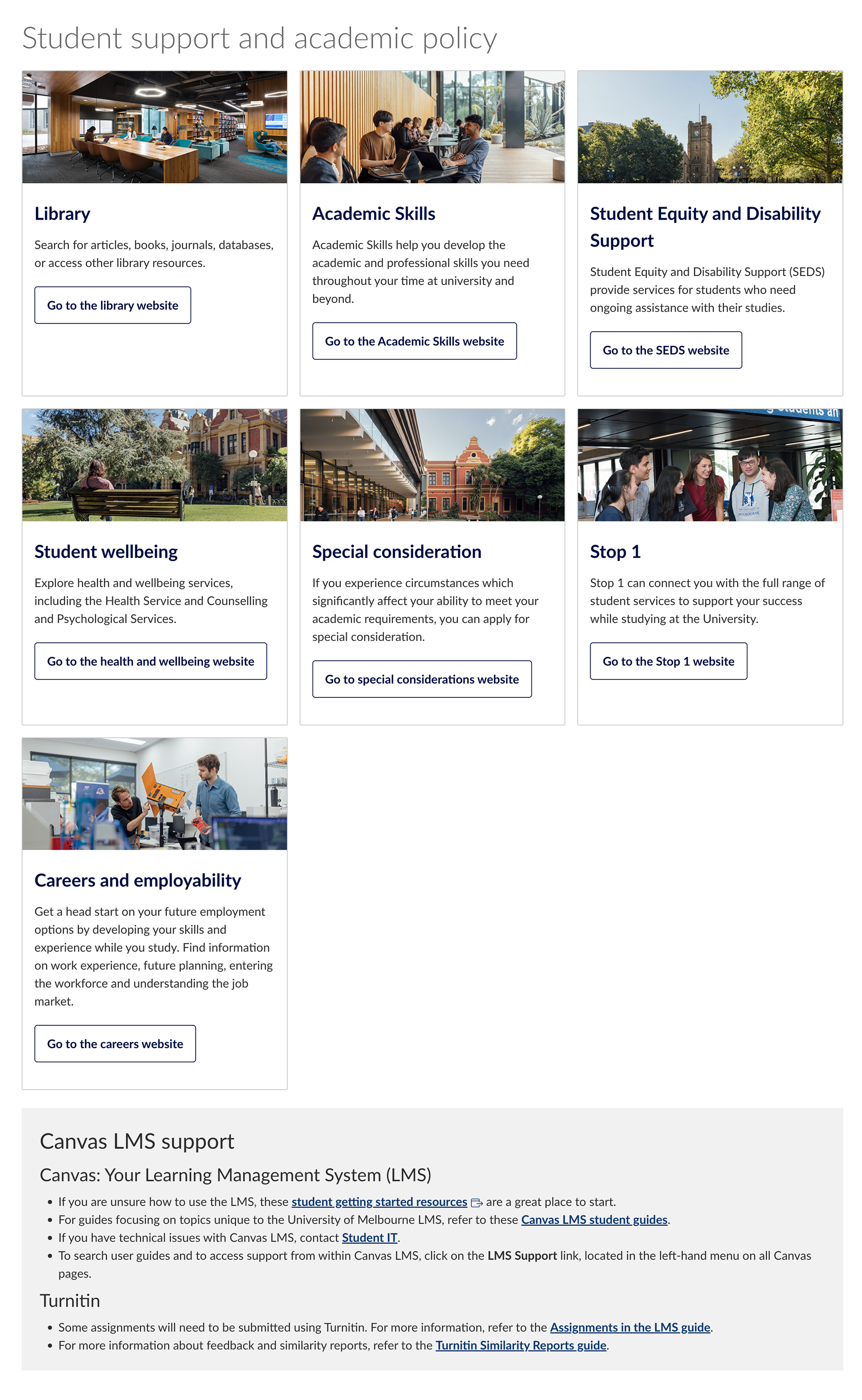
| Student support and academic policy template (HTML required) Staff login required | This page presents links to student support webpages and comes complete with decorative stock images and a short description. | |
| Orientation | |||
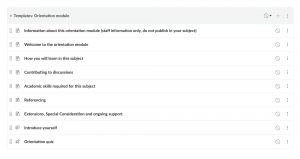 | Orientation module Staff login required | An orientation module is presented to students at the start of semester. It contains useful information, such as how a subject is structured, the type of learning activities and resources the subject contains, pre-requisite knowledge, etiquette on participating in online discussions, and so on. | |
| Assessment | |||
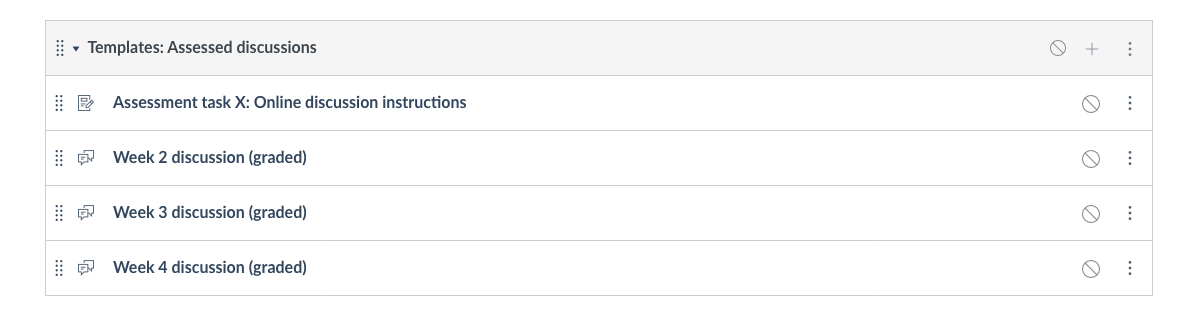
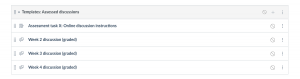 | Assessed discussions Staff login required | The assessment discussions template contains a number of discussion pages. You may like to work with this template where you have several discussions spread throughout a subject. This contains a page that outlines the assessment task as a whole, and individual pages for discussion. | |
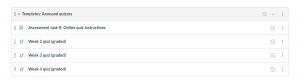 | Assessed quizzes Staff login required | The assessment quizzes template contains a number of quiz activities. You may like to work with this template where you have several quizzes spread throughout a subject. This contains a page that outlines the assessment task as a whole, and individual pages for each quiz. | |
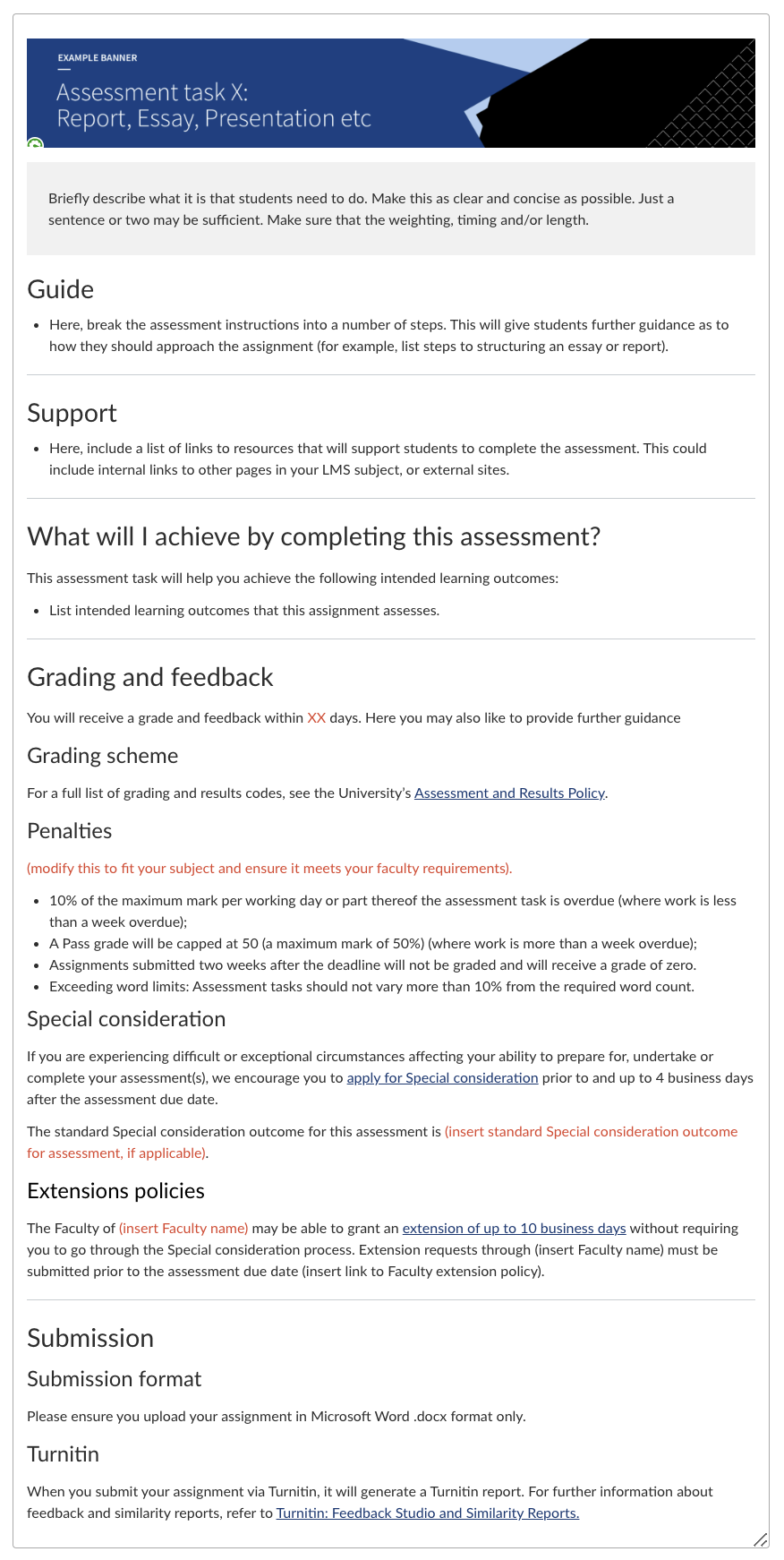
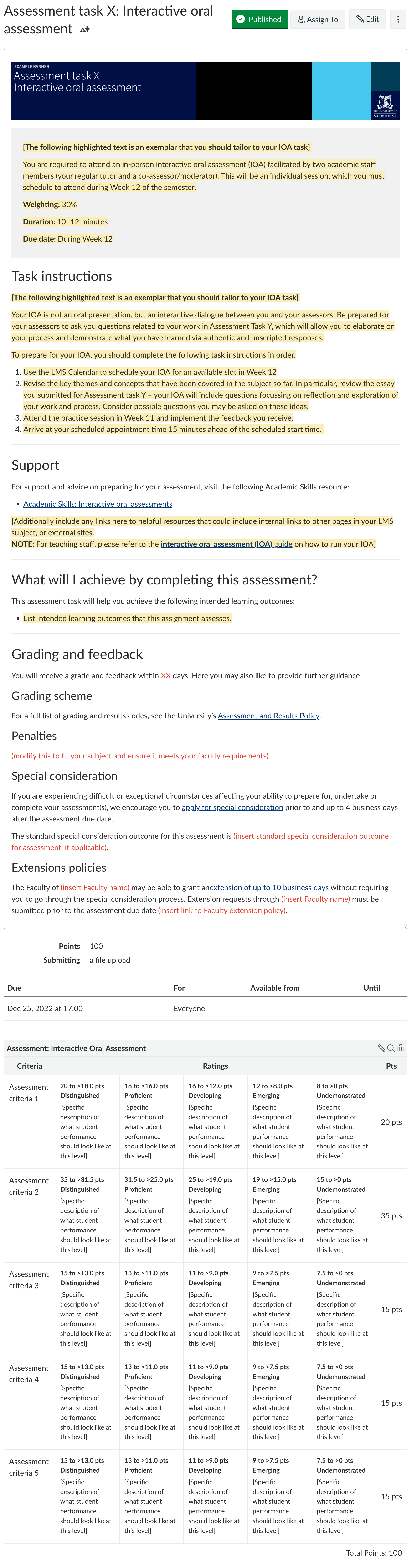
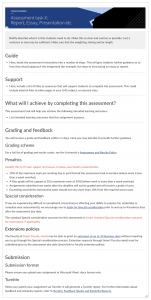 | Assessment brief Staff login required | This assessment brief may be used assignments such as reports, essays, presentations and so on. | |
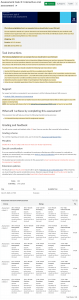 | Interactive oral assessment assignment brief | Use this assessment brief for interactive oral assessments (IOA). | |
| Perusall | |||
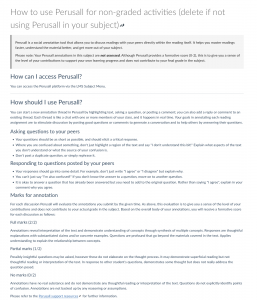 | Perusall for non-graded activities Staff login required | This page introduces students to Perusall, explaining what it is, how it should be used, and includes a basic rubric. Add it to an orientation module, and customise it to suit your non-graded Perusall activities. | |
 | Perusall for graded activities Staff login required | This page introduces students to Perusall, explaining what it is, how it should be used, and includes a basic rubric. Add it to an orientation module, and customise it to suit your graded Perusall activities. | |
Important things to know with templates
- If you choose to use a template that requires HTML knowledge, please ensure either you or someone in your faculty has the skills to support your page build.
- Page templates only work when imported within the University of Melbourne Canvas LMS.
- Do not edit content or images on an imported template page. All changes will be lost when reimporting the template. The template page will revert to its original.
- Always duplicate any imported template pages, and then delete the originally imported page. This ensures you are not accidentally editing the template file.
- All images associated with template files will be reverted to the original image when reimporting the template. If you overwrite the template images with new images, all changes will be lost.
- When you delete the imported template page the imported images remain in Files. You can delete these individually if you are no longer using them.
This page was last updated on 22 Jul 2026.
Please report any errors on this page to our website maintainers