Multi-factor authentication (MFA)
Multi-factor authentication (MFA) adds an extra layer of protection by requiring something more than just your password when you log in – usually a quick confirmation from a device you trust. It's a simple but powerful way to keep your account secure even if your password is compromised.
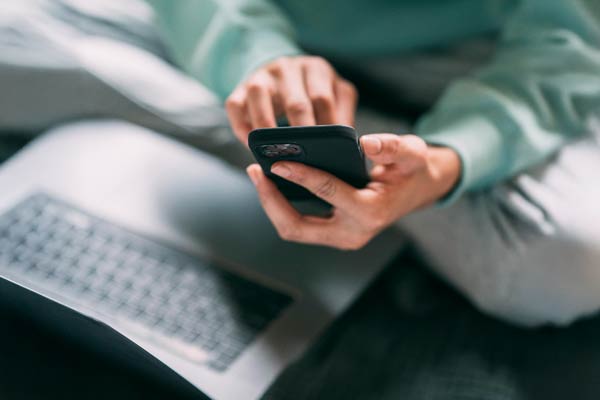
How it works
Even the strongest password can be stolen, guessed, or leaked in a data breach. Multi-factor authentication (MFA) adds a second (third, fourth, or fifth) lock on the door, so even if someone gets your key, they still can’t walk right in. While it only takes a few extra seconds to verify your identity, it’s a small step that could make a huge difference in keeping cyber criminals out.
At the University of Melbourne, we use Okta Verify to manage MFA, helping to safeguard your account and the University’s systems.
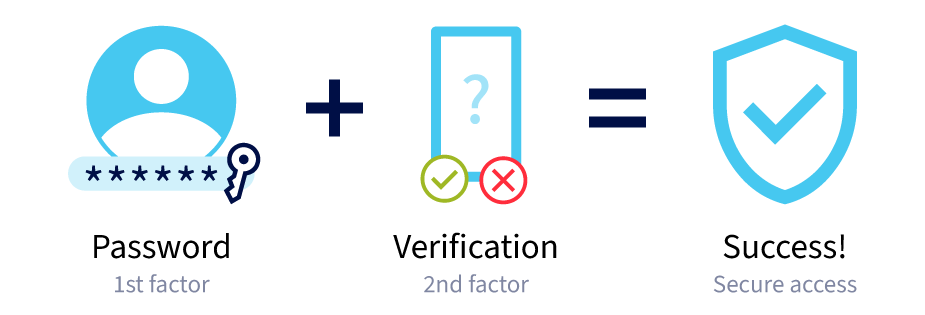
To help speed up the login process and make our accounts even more secure, we’ve made it possible to log into your University account using your fingerprint or webcam with Okta FastPass. You can also set up a passkey. Learn more about Okta FastPass
Why it matters
Everyone at the University has something worth protecting, which is why we use MFA through Okta Verify:
Students
If a cybercriminal gains access to your account, they could un-enrol you from a course, submit false assessments, or view your personal, financial or medical details.
Staff
University Staff are frequently targeted in phishing campaigns aimed at stealing login details or installing malicious software to access sensitive data.
Academics
Research and intellectual property are highly valuable, and a target for cyber criminals who are looking to steal or disrupt important work.
Your University MFA
Setting up your University MFA is an easy process and only takes a few minutes.
You’ll need:
- Access to a web browser with internet access
- A compatible smartphone with a data connection
Support
Have a question or need help?
More information
News articles
Other resources
- The Australian Signals Directorate also has a variety of helpful information where you can learn more about MFA, and how to set it up on other common accounts.