A small but mighty update to how we log in
From early January, Okta MFA adds number matching for safer logins. It’s quick, simple, and helps to protect against push fatigue attacks.
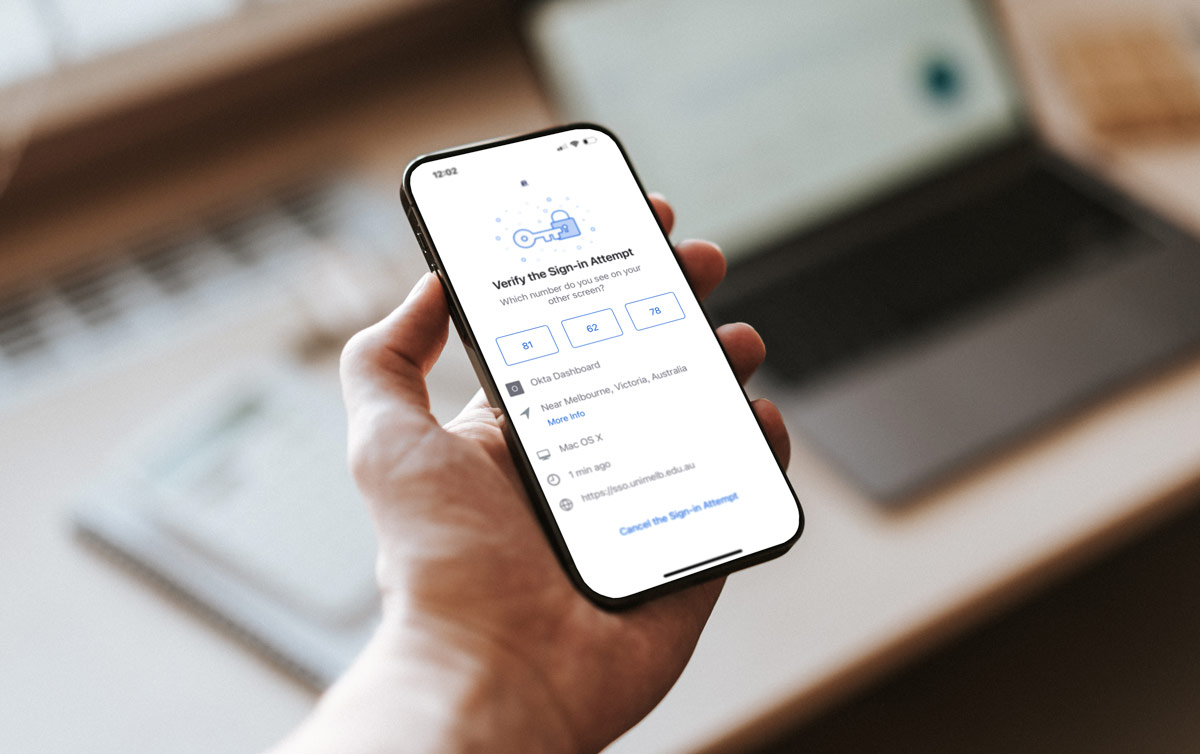
From early January, we’ll be making a small but mighty update to the way we log into our University accounts using Okta – our multi-factor authentication (MFA) app.
Currently, when you confirm your identity with a push notification on your phone you are asked to select “Yes, it’s me,” but from early January you will be asked to match the number on your phone to the number displayed in the web browser where you’re logging in. That’s it! Just as quick, just as simple, but a lot more secure.
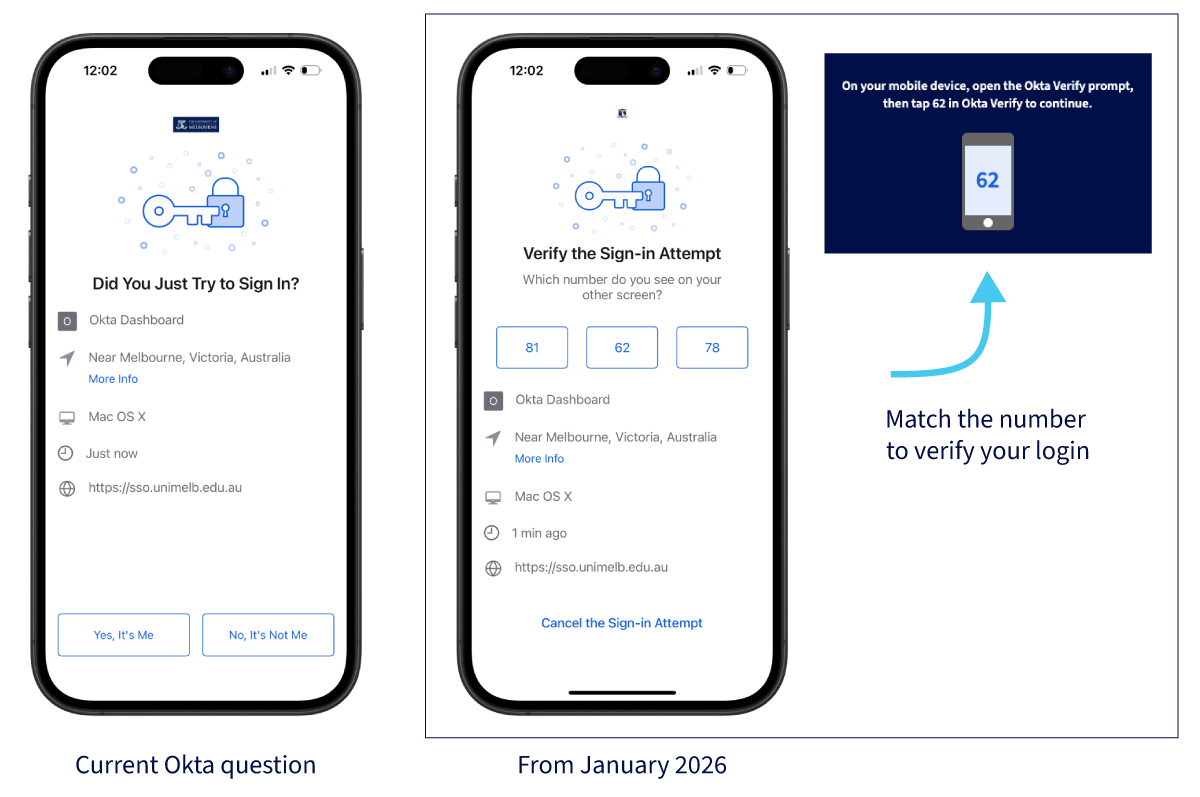 Click to enlarge
Why are we making this change?
When a cyber criminal is trying to get access to an account, they could send you a random MFA push notification (or a lot of them), which you may confirm accidentally without pausing to think. This is called a push fatigue attack.
By asking you to match the number on your phone to the number in your browser window, you’re consciously taking a second to think about whether this request is from your log in attempt and not someone else’s.
The process is still fast, simple, and familiar – now just with an extra moment to pause and confirm. If the numbers don’t match or you didn’t try to log in, you’ll know something’s not right and you can report the incident.
A bit of a freshen-up
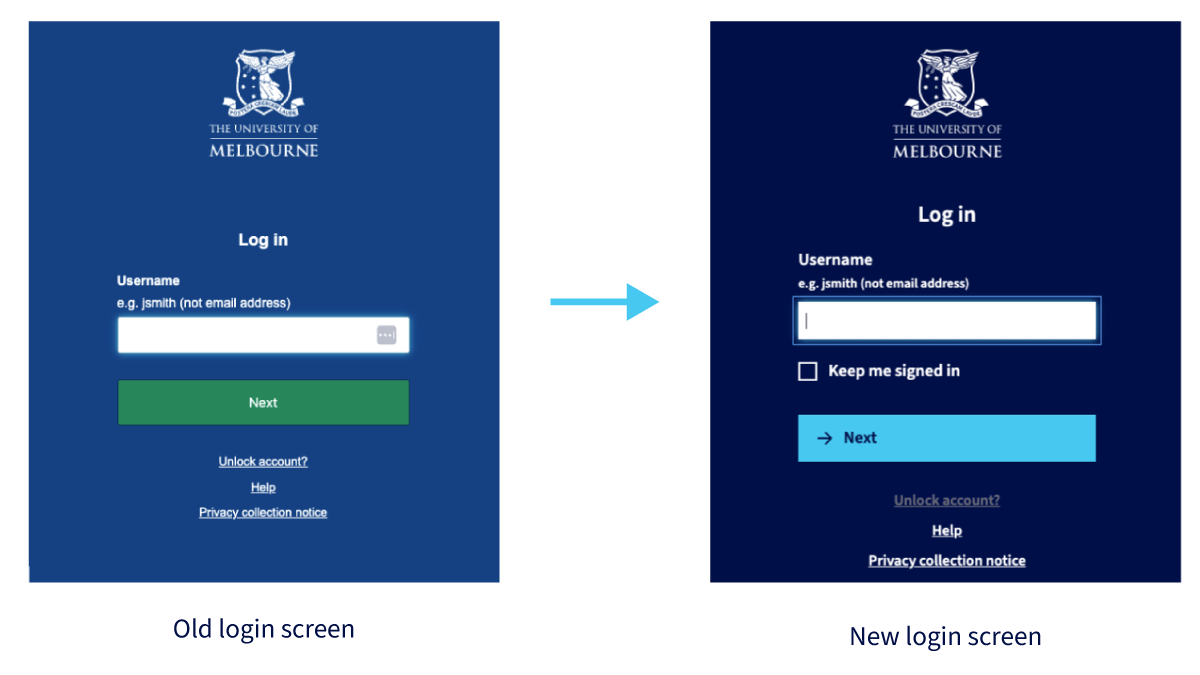
You may also notice that the log-in screen looks slightly different – more on brand – with a darker blue background and a new light blue button. This small change is just to help build trust with the page as it now matches the rest of our University website. If you have any doubts, always just check that you are at the correct URL: sso.unimelb.edu.au.